
Phone photography
p { line-height: 115%; margin-bottom: 0.25cm; background: transparent }em { font-style: italic }
p { line-height: 115%; margin-bottom: 0.25cm; background: transparent }em { font-style: italic }
Phone photography
Don’t treat your phone like a phone, treat it like you would a $3000 camera. It’s actually pretty capable of good results.
Over the past 10 or more years phone cameras have come a long way, in some cases just as good as some basic stand alone cameras, bigger sensors, higher image quality and intuitive controls, even ai assistance.
What does this mean for your fishing photos? Well it changes things a lot actually, no longer do you need a bulky camera and lens to get fantastic results.
What can you do to improve your shots right now?
I'll write up a little list of things to research for reference, if you decide to look into it is up to you but if you're not already up to speed on the basics this should help you out a bit.
1. Maximise the resolution your phone is taking photos in. For an android this is pretty simple, open your phones camera settings and turn it up to the maximum setting, in some cases this might even allow shooting in "high resolution" or even RAW but we wont go into what this means but it is good (we'll get to that bit).
most phones have fairly decent storage these days so don't stress to much about file size, just backup your photos every few months and clean your phone up, remove unwanted images and save the rest to either a cloud or an SSD.
2. Learn a little bit about focusing with your phones camera and in particular how to get the best "Bokeh" (background blur) generally the more distance in the background the more blur you will get.
3. Framing an image, turn on the "grid" in settings this will help line up points of interest when you get into the rule of thirds and other techniques.
This might sound obvious but always look at the screen, you may have seen people using their hands in the past to frame an image, what they are actually doing is getting an idea of how a shot may look in a certain situation. You can do this with the cameras screen, it’s not just a screen its a view finder. Adjust things like the angle your taking the photo from (high or low), the distance you are away from the subject and most importantly focus on the subject. simply frame the picture, tap the subject to focus on it and adjust the framing, then take the photo.
4. Unless your camera has a mechanical zoom function DO NOT ZOOM IN, Why? because what this is actually doing is cropping the image digitally and basically your losing detail.
However If your phone has multiple lenses experiment with them.
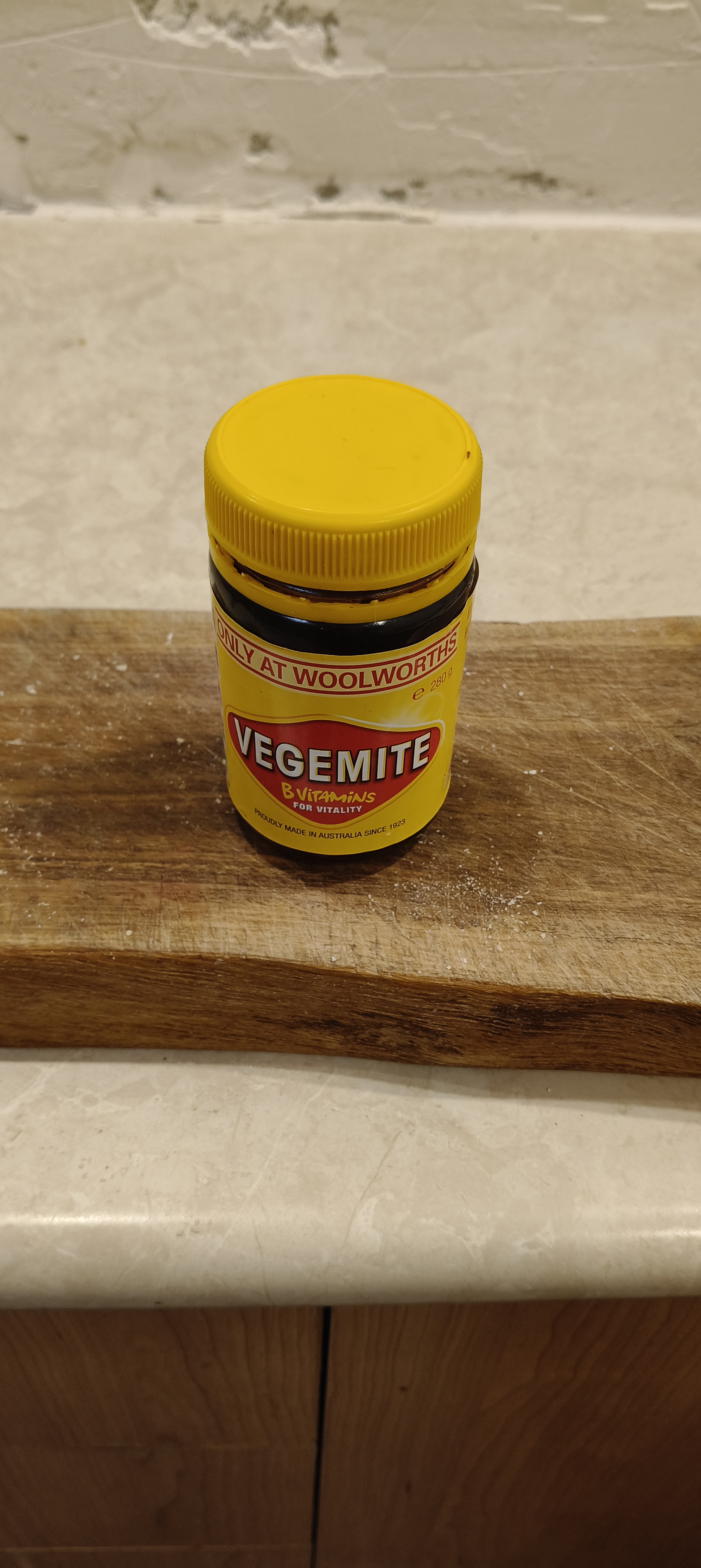
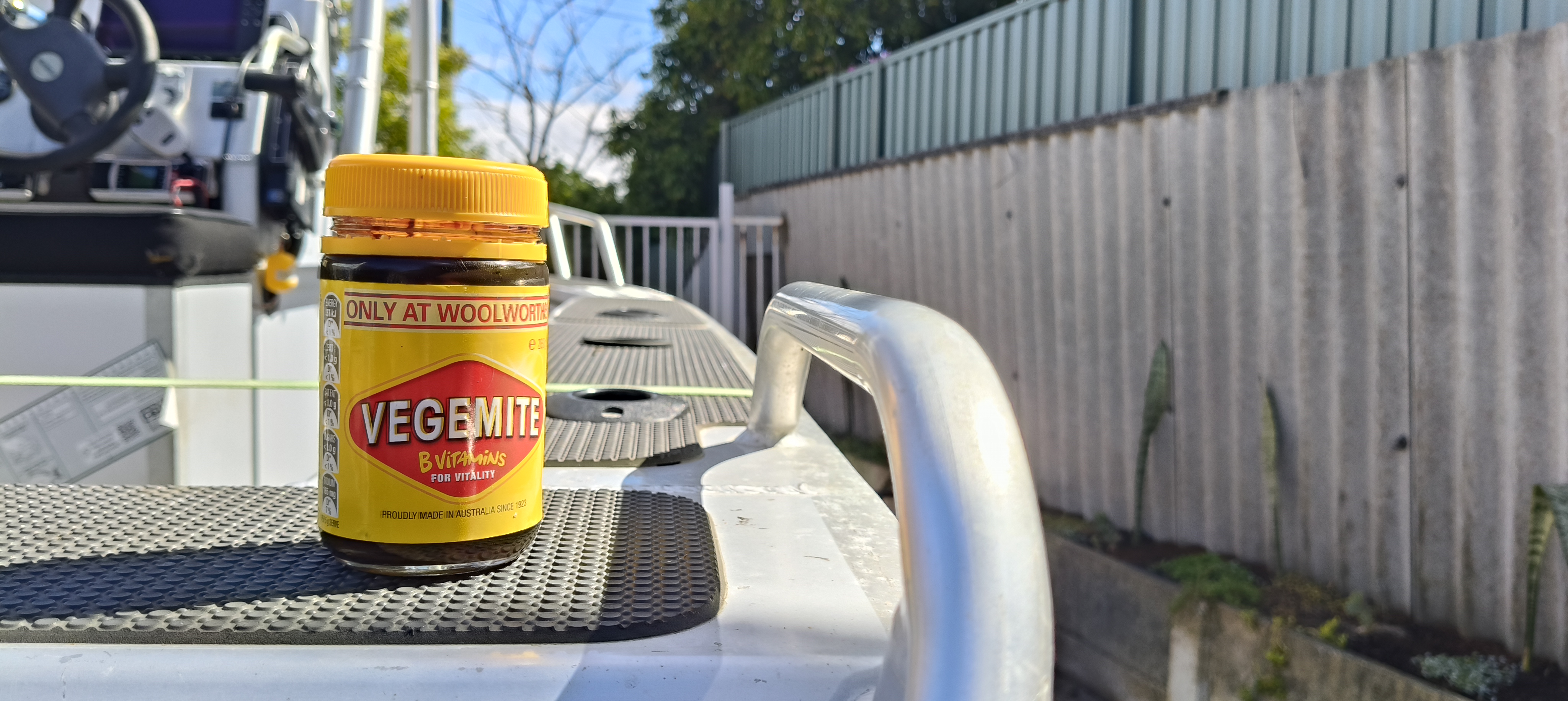
OK so we've got a few basics to look into there now, so if you really want to do some homework, try this, get a can or a jar of Vegemite or something and put it on a table take a photo, forget everything i just said just take a photo with your phone and see how it looks.
Now apply what you have learned and do the same thing but this time, take it outside and put it somewhere with a decent amount of distance in the background maybe even offset the "subject" (the Vegemite jar) I'll do some examples.
Notice the difference?
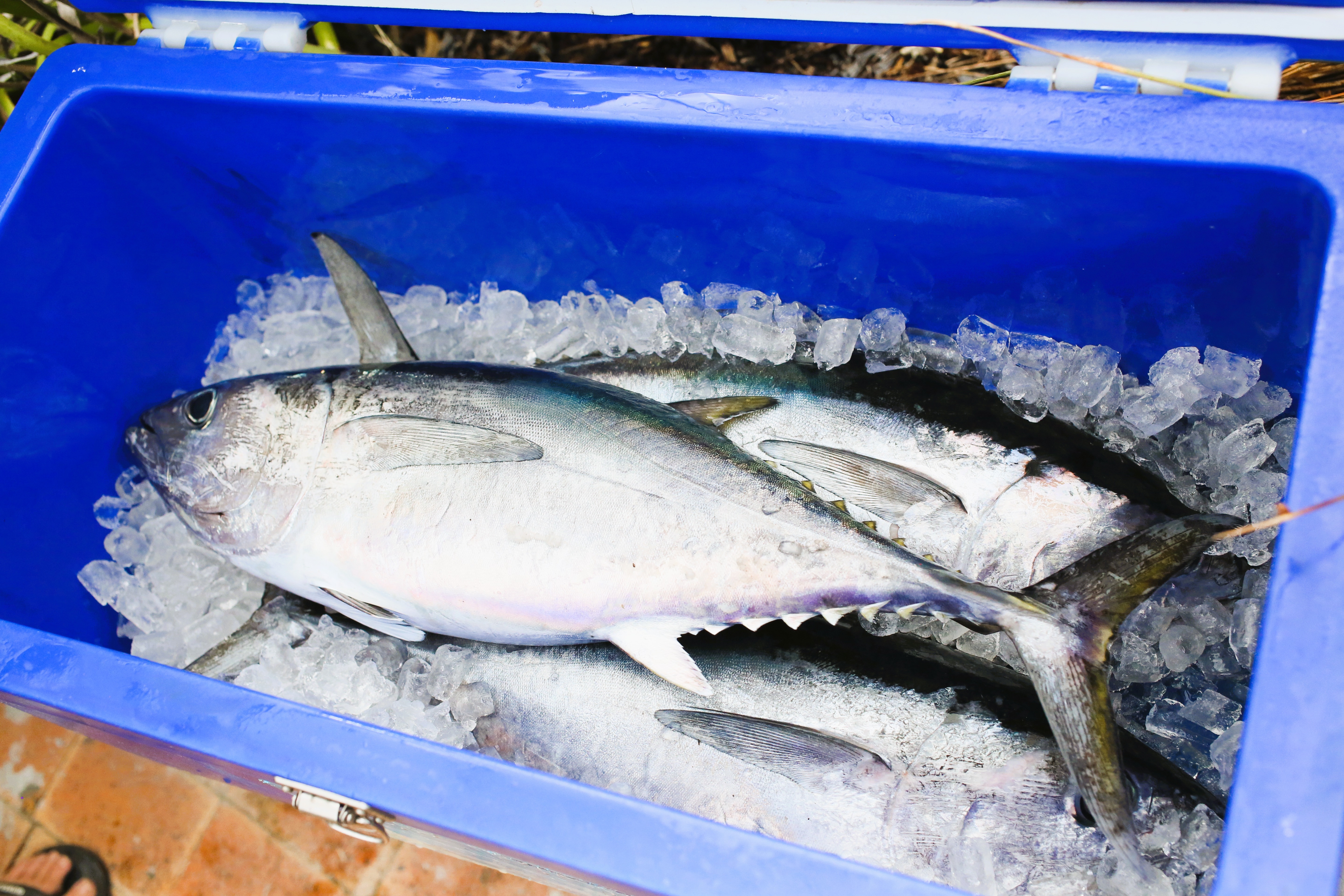
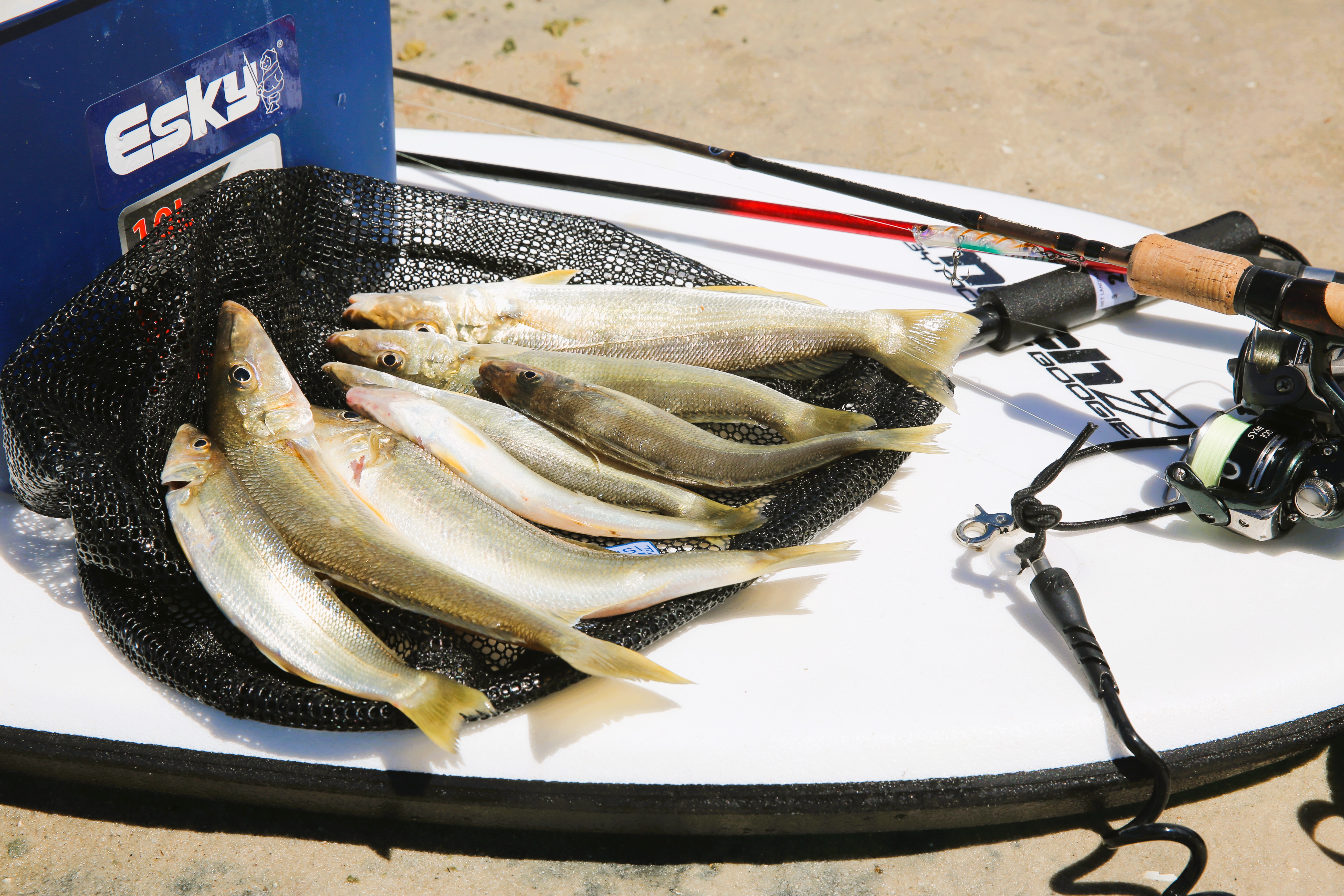
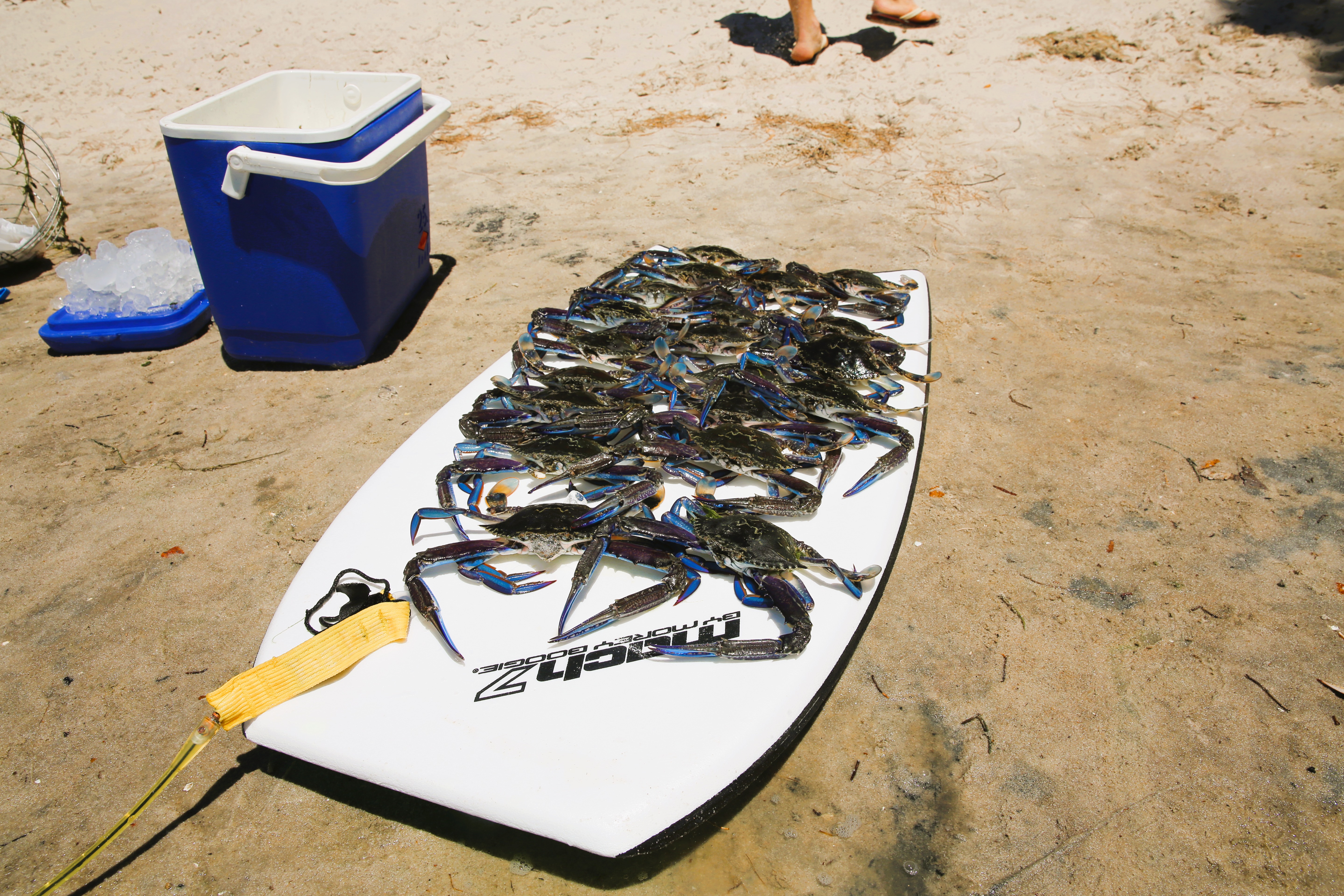
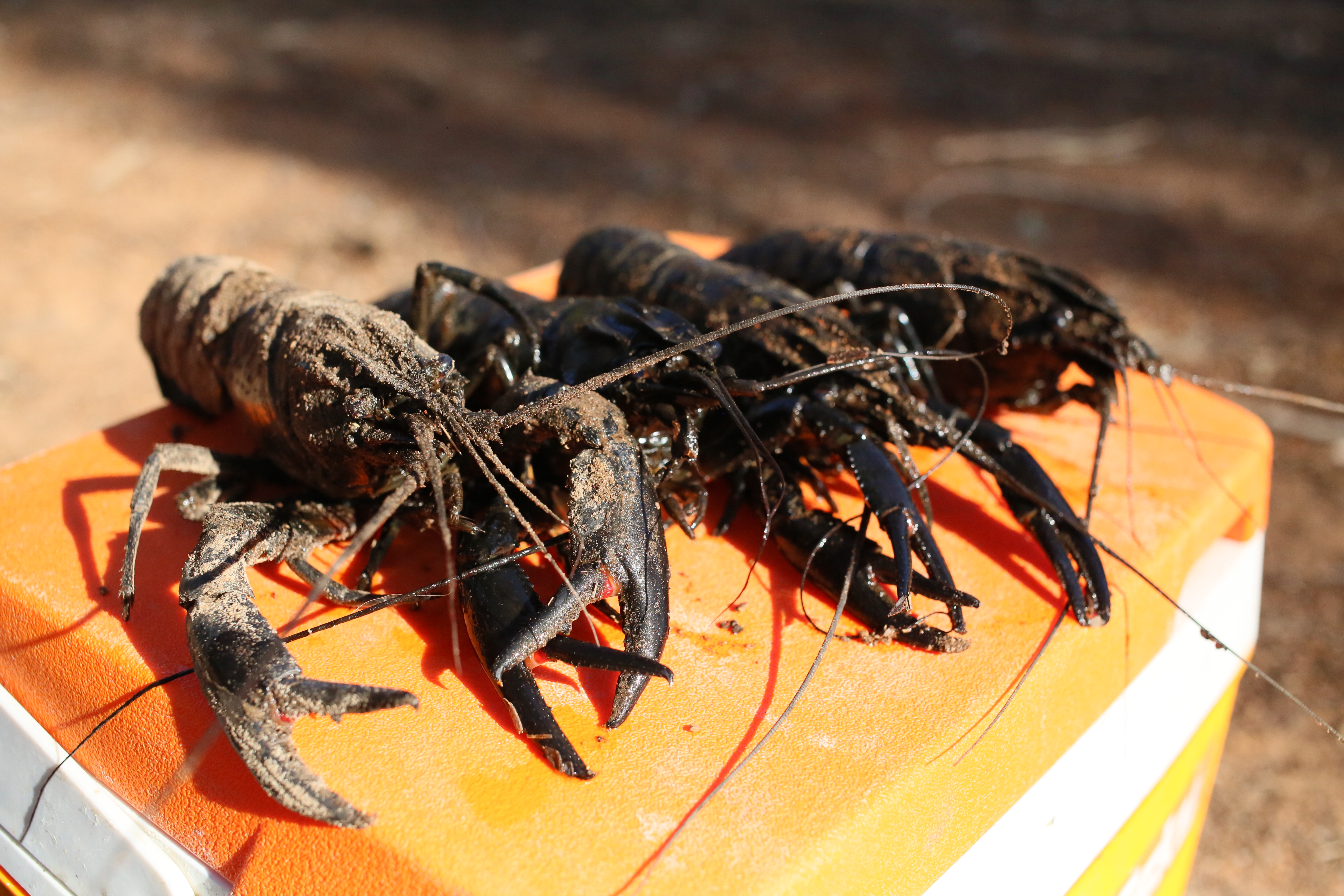
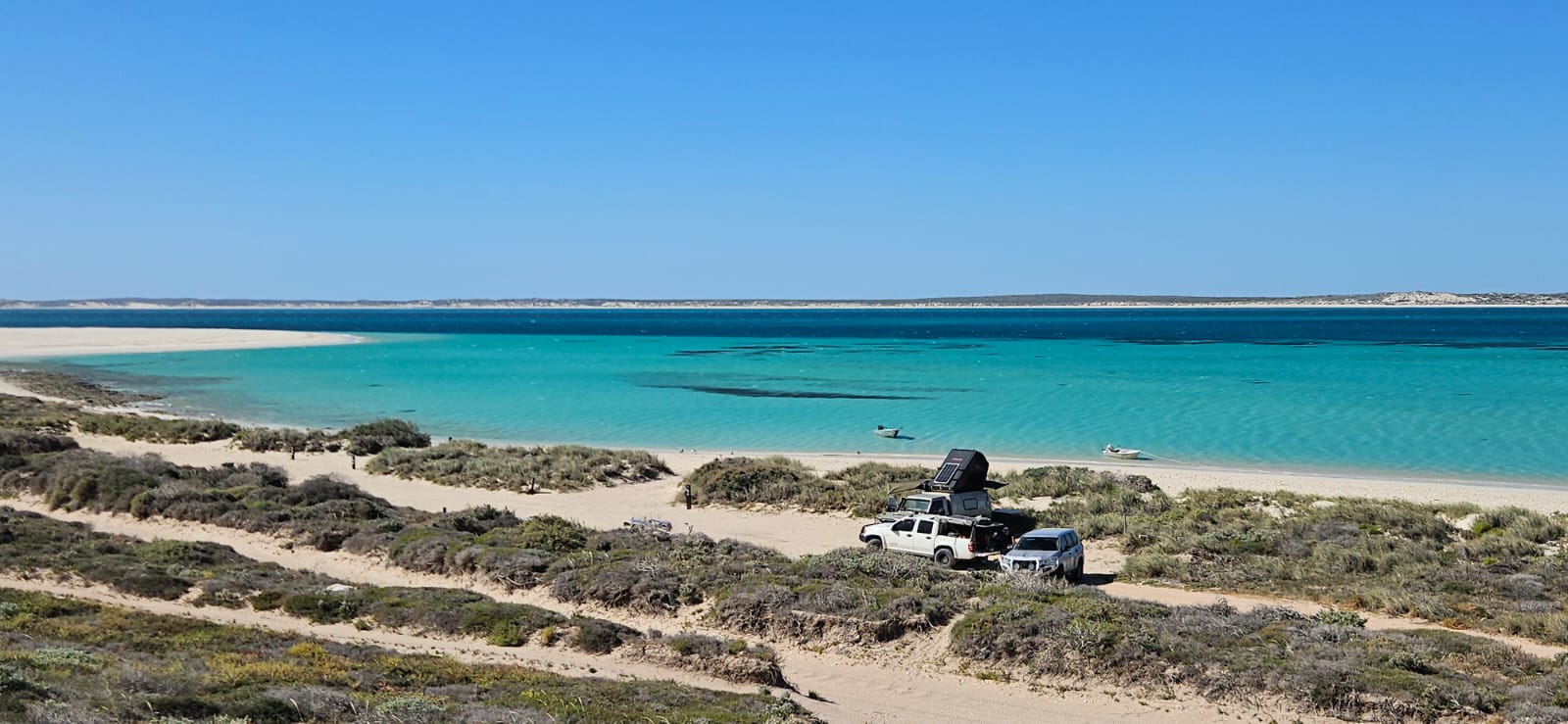
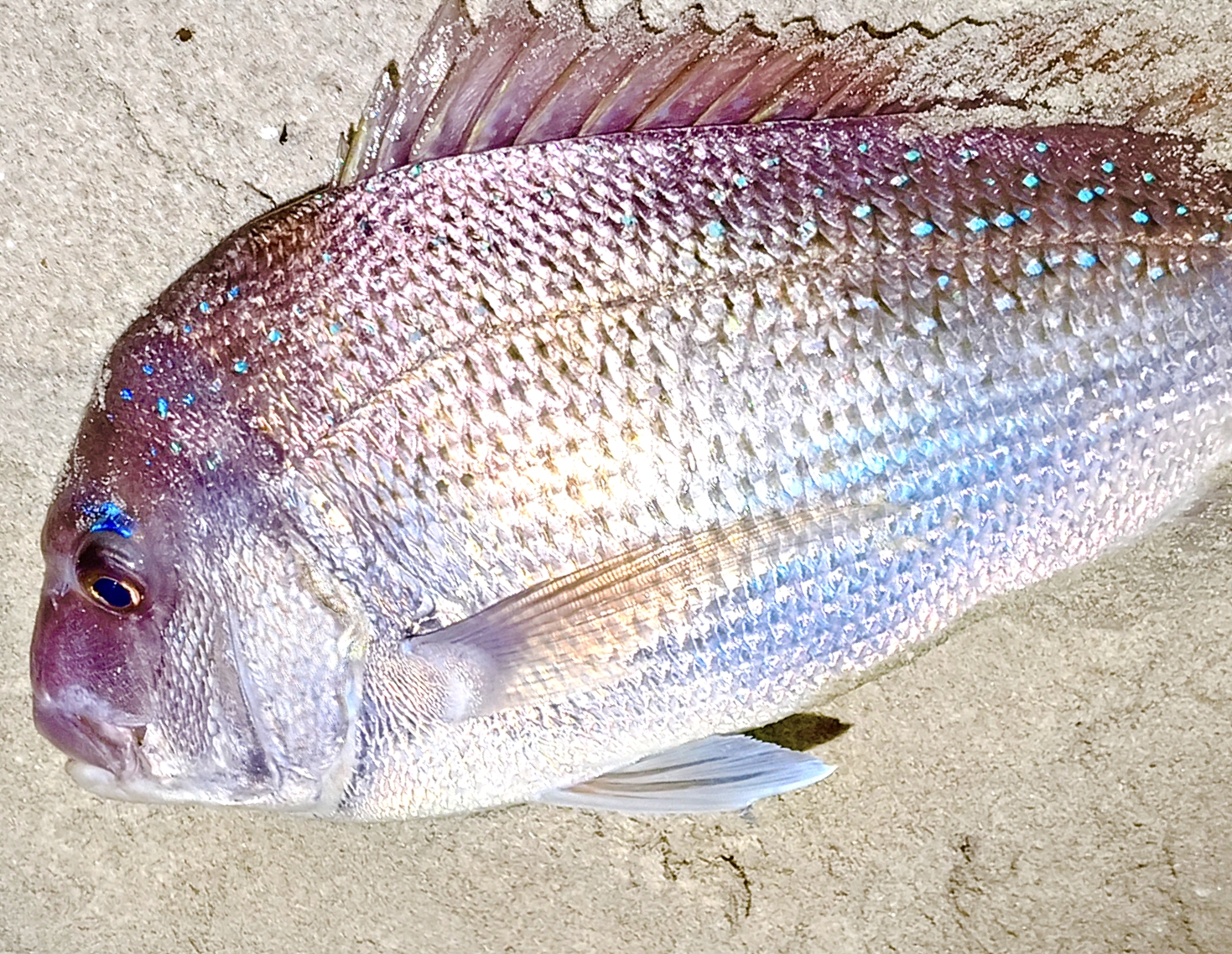
I’ll attach a couple of pics for you to look at, some are phone photos others are dslr.
I hope this helps a bit. if you like this kind of thing let me know and i'll do another basic one on editing.

.thumbnail.jpg "Battery box/fuse box (flipup acrylic cover).")
Mark_M
Posts: 231
Date Joined: 10/04/15
Great start Troy
.
Mark_M
Posts: 231
Date Joined: 10/04/15
Great start Troy
.
Mark_M
Posts: 231
Date Joined: 10/04/15
Great start Troy
Couple of tips for iPhone users:
As Troyboy says: please don't use your pinch-zoom on the screen, better to use the built-in focul lengths of the modern iPhone lenses;
ie. most iphones use the 3 lenses to create 4 fixed focul lengths, .5 1x 2x 3x , taking photos at these options will lead to much sharper images, that can be cropped later to for posting at way better focus and resolution.
If you want to create an emphasis shot on the fish/lure/tackle in the foreground, switch from photo to portrait and turn your phone upside down.. tap on the screen to choose your focul point, edit later for light and contrast, crop if you must.
Lastly, the apple phone photo software has amazing focus algorithms, choose your shot, frame it carefully and tap the screen for focul point..... and wait (let the phone do it's thing).....give it a few seconds to analyse the light and surroundings.. hold still... then take the shot.
crano
Posts: 719
Date Joined: 04/11/09
coordinates
When using yor phone don't forget to turn odd location services when taking pics at your fishing spots. You will have your coordinates attatched to the photo.When you post it here I can soon find out where you took the photo.
beau
Posts: 4137
Date Joined: 24/01/10
Got a good Cervantes spangled
Got a good Cervantes spangled emperor spot doing this in the past